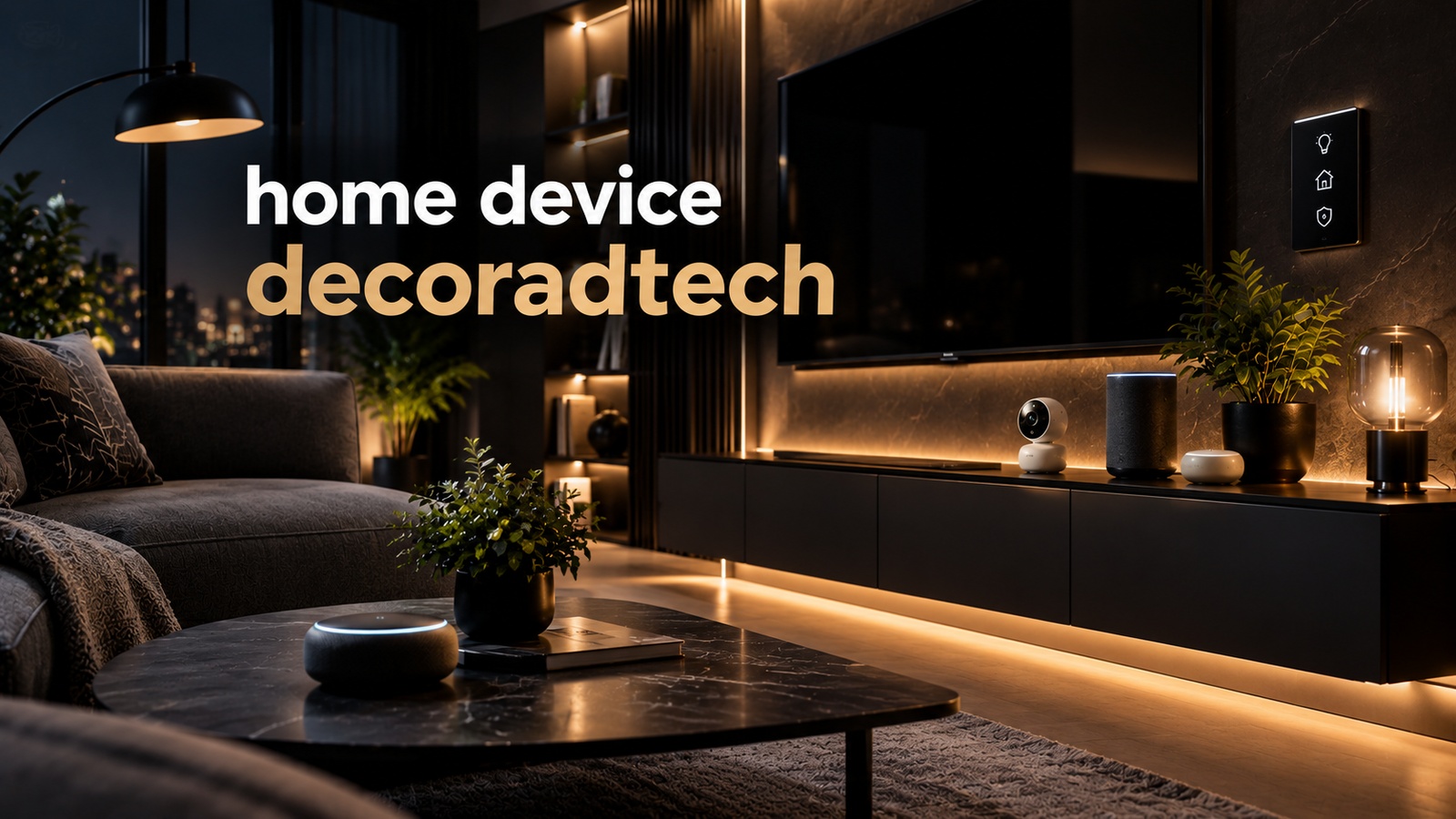
Look up “home device decoradtech” and you’ll find several small sites using the same invented word for one idea: connected devices chosen as much for how they look, and where they disappear, as for what they do. None of the sites using the name publishes ownership information, so treat decoradtech as shorthand for decoration plus advanced technology rather than a brand. The reader question behind it is genuine, though: how do you add lighting, climate, and security tech without turning a styled room into a shelf of glowing plastic?
What the Term Actually Describes
Home Device Decoradtech: The websites Decoradtech.org, Decoradtech.co, and Decoradtech.net focus on a shared idea: combining smart home technology with thoughtful interior design to create organized, functional, and clutter-free living spaces.They position themselves as guide publications, not manufacturers, and list familiar categories: bulbs, plugs, thermostats, locks, doorbells, cameras, and motorized shades. No reliable details are available about the websites’ owners, launch dates, or products.That gap matters less than it seems, because the device categories themselves are mature products from established makers.
Sort Devices by Visibility, Not by Feature List
Home Device Decoradtech: Most buying advice sorts gadgets by room or brand. A décor-led approach sorts them by how much visual space they demand:
Invisible devices — smart plugs, leak sensors, smart switches. They are placed behind furniture or inside outlets, so their appearance is not a concern.
Blendable devices — thermostats, locks, bulbs, doorbells. Visible, but designed to read as hardware rather than clutter.
Featured devices — speakers, cameras, control panels. These carry design weight, so choose them the way you’d choose a lamp.
That ordering changes priorities. An invisible device can be the cheapest generic model that supports your ecosystem. A featured device justifies a longer search for finish, texture, and shape.
Where Common Devices Land
|
Device |
Visibility |
Placement logic |
|
Smart plug |
Invisible |
Place them behind sofas or console tables to power lamps and devices that often stay on standby. |
| Leak sensor | Invisible |
Under sinks, behind the washer; small enough to vanish |
|
Smart thermostat |
Blendable |
Replaces the existing wall unit, so it adds no new footprint |
|
Video doorbell |
Blendable |
Lives where a doorbell already sits; check finish options |
| Smart bulbs | Blendable |
Hidden inside shades and fixtures; only the light shows |
| Indoor camera | Featured |
Place it where an object belongs — a shelf, a plant — not mid-wall |
| Smart speaker | Featured |
Treat as décor; fabric and wood finishes beat bare plastic |
Compatibility Is the Real Design Constraint
Home Device Decoradtech: A device that clashes with your ecosystem ends up unplugged in a drawer, the least decorative outcome possible. Pick a platform before picking hardware. The Connectivity Standards Alliance maintains Matter, an open, IP-based standard built on Wi-Fi, Thread, and Bluetooth LE whose stated purpose is letting certified devices work across major ecosystems, including Apple, Amazon, Google, and Samsung platforms. Buying Matter-certified hardware is the closest thing to décor insurance: whatever you rearrange later, the devices keep working together.
Energy claims deserve the same caution. ENERGY STAR estimates that its certified smart thermostats save an average of about 8 percent on heating and cooling bills, roughly $50 a year, and notes that actual results depend on climate and habits. Treat bigger numbers on product pages as marketing until an independent figure backs them.
Five Questions Before Any Purchase
| Question |
What it protects you from |
| Does it work with my platform, ideally through Matter? |
A drawer of orphaned gadgets |
| Does it replace an old box instead of adding a new one? |
Wall and shelf clutter |
| Can routines run if the internet drops? |
Automations that die with the router |
| Is the finish something I’d hang on a wall? |
Gadgets fighting the room |
|
Does it still function if the maker folds? |
Hardware with no updates left |
A Sensible Buying Order
Start with network coverage; setup guides treat it as the foundation of a smart home, and no finish hides a dropped connection. Add a few smart bulbs and plugs next to learn how routines work. Put the thermostat third, since it carries the strongest independent savings evidence. Security hardware follows, and motorized shades come last — they’re the priciest and least reversible.
Quick Answers
Is decoradtech a product or a company? No verifiable one. Available information indicates it’s a term used by several independent guide sites for design-led smart home shopping. Buy from established manufacturers, not from a site just because it ranks for this word.
Can I do this in a rental? Bulbs, plugs, freestanding sensors, and battery-powered locks need no wiring changes, which is why they dominate starter lists. Leave anything that requires an electrician until you own the wall.
Does hiding devices hurt performance? It can. Enclosed metal cabinets and thick fixtures weaken wireless signals, so “invisible” placement still needs airflow and a clear path toward the router.
The Takeaway
Decoradtech, whatever its origin, points at a real skill: treating device selection as a design decision. Sort purchases by visibility, demand cross-platform certification, and let the thermostat — the one upgrade with solid independent savings data — carry the early budget. The room stays calm, and the technology still works.Visit eurotechtalk for more details.