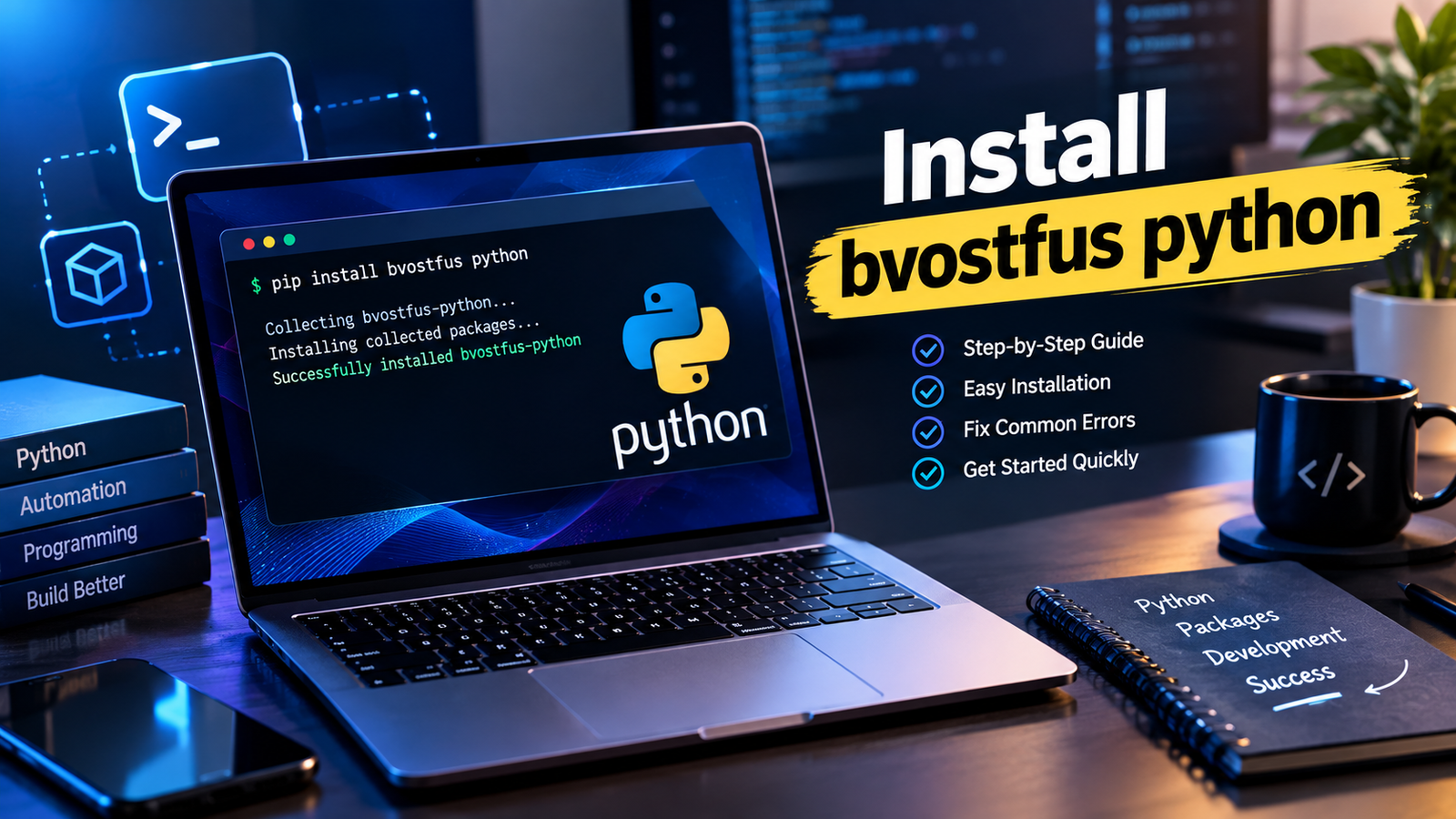
If you’re trying to install “Bvostfus Python,” pause here. A package named bvostfus does not exist in any official Python package repository. Its PyPI JSON API endpoint returns a 404 “Not Found,” a GitHub repository search returns zero results, and Anaconda.org reports no matches. Everything else you’ve read about it — “next-generation framework,” “smarter automation,” install walkthroughs — comes from content-farm pages that describe a product nobody can actually download.
That doesn’t mean your original goal is wrong. It means the page that sent you here was written to rank in search results, not to help you install working software. This article covers what the verification actually showed, why fake packages like this matter, and the safe routine for installing any Python package — including one you’ve only heard about secondhand.
What Verification Showed
Before writing this, I checked the primary sources where a real package must appear:
|
Check |
Where |
Result |
|
PyPI project page |
pypi.org/pypi/bvostfus/json |
404 — Not Found |
| Source code | GitHub repository search for “bvostfus” |
0 repositories |
|
Conda channel |
Anaconda.org search for “bvostfus” |
No results |
|
Descriptions of it |
Web search |
Only third-party blog-style pages; every description differs, and none link to a download |
A legitimate Python package needs at least one of those three: a PyPI entry, public source code, or a conda build. Bvostfus has none. The web pages describing it contradict one another — some call it a framework, others a project-management tool — which is itself a signal. Real software has consistent documentation because a consistent product exists behind it.
Why This Pattern Deserves Caution
A name with no official presence but many promotional pages fits two common scenarios:
- Typosquatting or malware bait. Attackers publish malicious packages on PyPI with plausible names, counting on people who run pip install before checking. Python’s own Packaging User Specification and security advisories document this class of supply-chain attack. A name that isn’t on PyPI today could appear there tomorrow, uploaded by whoever owns the name.
- Search-ads or affiliate content farms. Pages targeting the keyword earn traffic but offer nothing installable. Harmless to click, useless to follow.
Either way, the correct response is the same: never install based on a blog’s word alone.
How to Verify Any Package Before Installing
This five-minute routine works for bvostfus or anything else:
| Step | Command or action |
What a positive result looks like |
| 1. Search PyPI directly | Visit pypi.org/project/<name>/ |
A project page with maintainer, release history, and a linked homepage |
| 2. Check the source | Follow the project’s homepage/repo link |
Real commits, issues, and a recent release date |
|
3. Inspect before installing |
pip download <name> then examine the files |
Setup code that matches the description; no network calls or obfuscated scripts |
|
4. Read the metadata |
pip show <name> after inspection into a sandbox |
Author, license, dependencies that make sense |
| 5. Search for independent mentions | News, forums, documentation — not SEO blogs |
Mentions with specifics: versions, changelogs, real users |
If a package fails step 1, stop there, as with bvostfus. The pip documentation’s install guide covers steps 3–4 in more detail.
What To Do Instead
Install Bvostfus Python: The right approach depends entirely on what you were hoping to achieve.
- You were told to install it for work or a course. Go back to the source and ask for the exact PyPI name or repository URL. If no one can produce one, the instruction itself is suspect.
- You wanted a workflow or automation framework. Established, verifiable options include Poetry for dependency management and Pipenv for environment management, both documented publicly with release histories.
- You wanted Python itself. Get it from python.org, the only official distribution source.
- You’re researching the keyword. Now you know the answer: the software doesn’t verifiably exist, and pages claiming otherwise never link to a download.
Whichever applies, use a virtual environment for anything experimental (python -m venv .venv), so a bad package can’t touch your system Python. This is standard practice in the Python packaging tutorial.
Frequently Asked Questions
Is bvostfus Python real? No public evidence supports that it exists. The official package indexes return no record of it, and no verifiable download has ever been pointed to.
Could it be private or invite-only? Private distributions exist, but they’re shared through an organization’s own index or repository URL — never through search-ranking blog posts. If yours is private, your administrator will have the real source.
What if I already ran pip install bvostfus? It would have failed with a “No matching distribution found” error, because the package isn’t there. If a lookalike name ever does appear, don’t install it; report suspicious packages through PyPI’s file-a-issue process for the project or the PyPI support channels.
How do I confirm a package is safe generally? Official listing, active repository, inspectable source, virtual-environment testing. All four, every time.
The Takeaway
Install Bvostfus Python: is a keyword in search of a product. The check takes minutes: PyPI, GitHub, conda — and the package should appear in at least one. When it doesn’t, the blog posts telling you otherwise are the warning sign, not an obstacle. Verify first, install into an isolated environment second, and you’ll never lose an evening to a package that was never real.Visit eurotechtalk for more details.